GTA 6 looks softer after patch 01.002.002: what PS5 Pro owners report, and why nobody has measured it
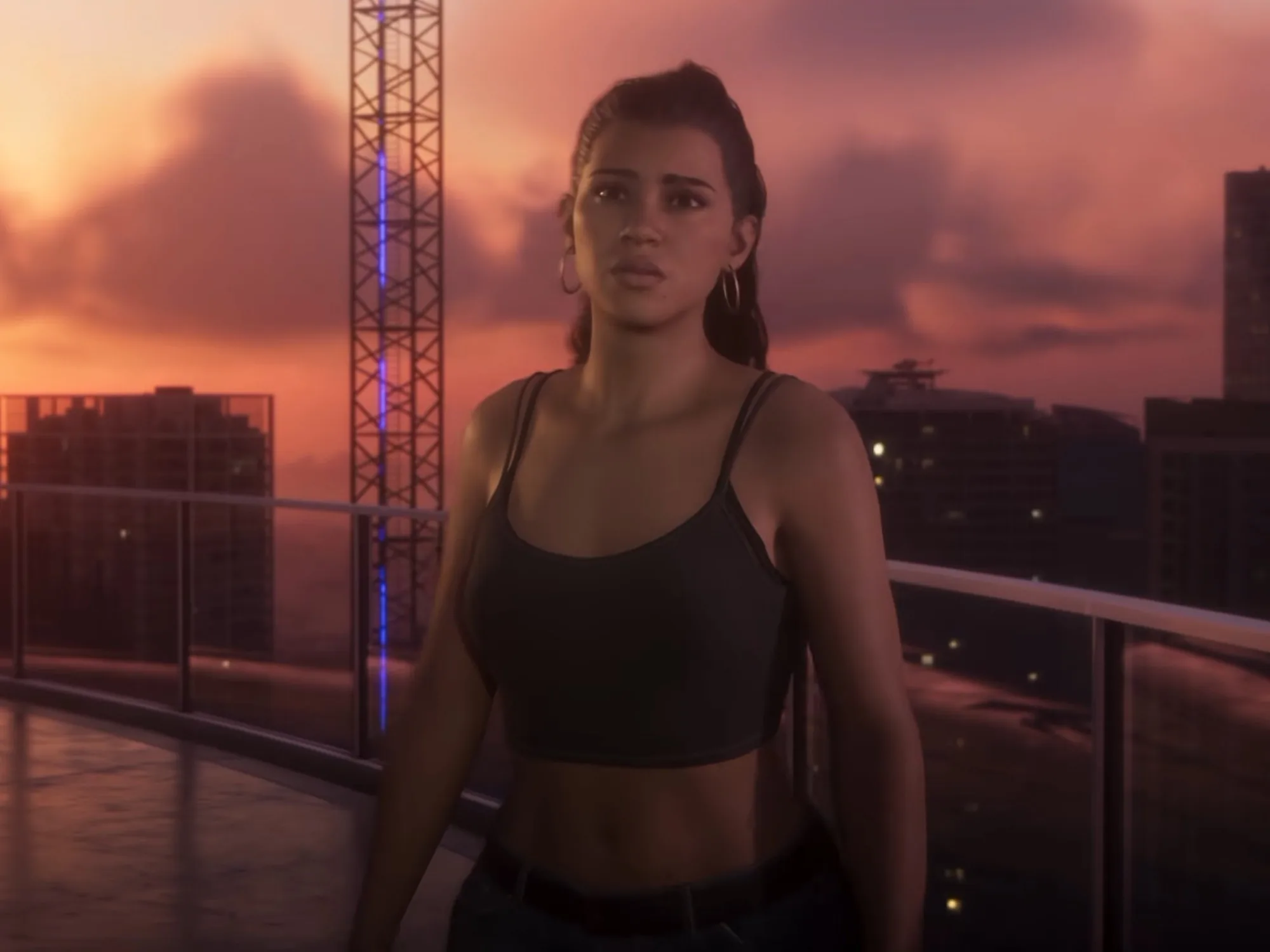
Update 01.002.002 (23 November 2026, about 603 MB on PS5 and 1.6 GB on Xbox) lists seven bug fixes and no graphics change, yet a growing number of players say GTA 6 now looks worse, with most reports coming from PS5 Pro.
A growing number of GTA 6 players say Leonida looks worse than it did on launch day, and most of them are playing on PS5 Pro. The complaints started after update 01.002.002 on 23 November 2026, four days after release, and multiplied through the following week. Notebookcheck picked the story up on 28 November. Rockstar has not said a word about it, and the published patch notes do not mention graphics at all.
That combination, loud reports and total silence, is why this needs careful handling. What can be confirmed is the patch and the existence of the complaints. What cannot be confirmed, yet, is that anything in the game actually changed.
What update 01.002.002 contains
The patch shipped on 23 November at roughly 603 MB on PlayStation 5 and 1.6 GB on Xbox Series X|S, four days after launch. Its changelog runs to seven lines, all of them bug fixes: crashes, a weather system that stopped cycling, broken autosaves, story phone calls that never triggered, a Wanted Level players could not shake, a gym deadlift bar that did nothing, and a fence transaction that blocked loot sales.
None of those lines mentions textures, resolution, lighting, reflections, render distance or image reconstruction. None mentions frame rate. The notes are silent on the entire subject, and silence supports neither story: studios ship small rendering tweaks without a changelog line, and a missing line is not proof that something changed either.
One note on size matters. A 603 MB update can carry code fixes and data tweaks, but it is far too light to replace a large block of texture assets. If the picture really is different, the change most likely lives in a parameter or in the upscaling path, not in rebuilt art.
What players actually describe
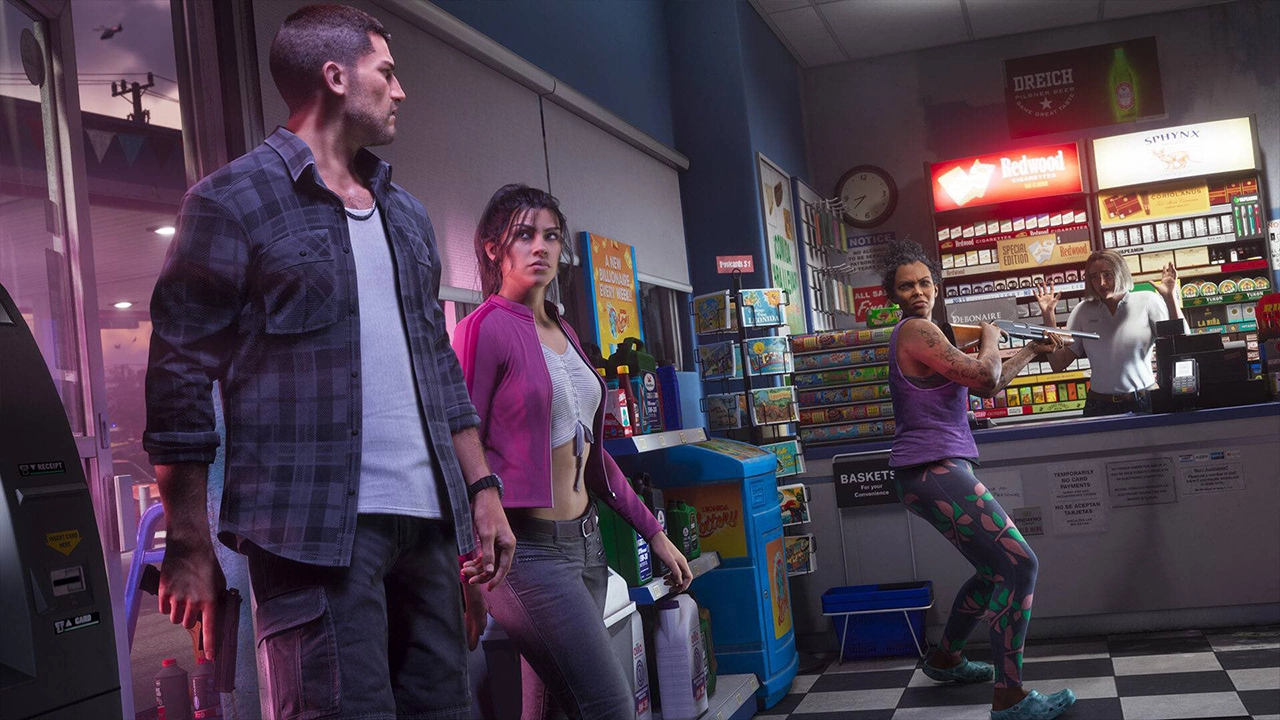
The reports cluster around a handful of features, and the PS5 Pro accounts are the most specific. Players describe softer textures, faces and hair, objects that pop in later than before, a much stronger depth of field that leaves the distance out of focus, paler skies, flatter lighting, pixelated clouds and disappointing puddle reflections after rain. One Reddit poster wrote that "lighting, textures, and hair look completely different", a line Notebookcheck and other outlets repeated. A second said the screenshots prove the difference is not imagined.
Xbox owners are a minority in these threads but not absent. One Series X player reported road markings appearing as black placeholders until he drove closer, then turning white in front of him.
Two theories explain the pattern for those who believe it. The first is that the game reconstructs its image differently on PS5 Pro, either at a lower internal resolution or with a tighter PSSR setting, which would soften everything without touching a single texture file. The second is that Rockstar traded detail for frame delivery, because Digital Foundry had recorded frame drops in crowded scenes even with a 30 fps cap.
Both remain theories. No patch note mentions either, and no source has published a pixel count taken before the patch and again after it.
Why the claim is unproven rather than false
The measurement gap is the whole story. Digital Foundry's 18 November analysis put both PS5 and PS5 Pro at roughly 1440p internal, with PSSR giving the Pro its clearer image at the same 30 fps. That baseline was never repeated after 23 November. Until somebody counts pixels on both builds, at the same location, in the same weather and at the same time of day, the question stays open.
The weather fix makes that harder rather than easier. The same update restored a sky that had been frozen for long stretches, so a launch-week sunset under a static clear sky and a post-patch sunset under moving cloud are two different lighting setups, not two versions of one scene. Comparisons built on those pairs prove nothing.
Four more things distort casual comparisons: time of day, because low sun angles shift every surface; capture method, since a phone pointed at a television adds exposure shifts and moire; platform compression, because Reddit and X strip fine detail from uploads; and memory, because launch-week impressions arrive wrapped in excitement.
Shattered, which reviewed the coverage on 29 November, states the position plainly: no technical analysis cited so far has shown that a downgrade happened. Pixel Twelve reached the same conclusion about the screenshots shared to that point, noting that other players said Vice City looked much the same on their consoles.
The part that looks like a bug
Here the story tilts. Across the bug trackers and threads, several players report that the old picture comes back on its own. A full console restart instead of Rest Mode or Quick Resume brought it back for some. A PS5 Pro owner on an OLED set said turning HDR off and on again in the display settings restored the sharp image. Others recovered it after a cache rebuild, and one after reinstalling the game, traffic density included. The same console can also look fine in one session and soft in the next.
That behaviour is not what a deliberate quality reduction looks like. A shipped parameter change would be constant, not intermittent, and no restart would undo it. A stuck rendering or upscaling state, restored by a clean boot, fits the reports much better. It also fits the number of players who say nothing they tried changed anything, which is the honest limit of the bug theory.
Rockstar Support, according to a player account relayed by Sportskeeda and reported by Shattered, advised clearing the console cache, and the advice did not help that player. Treat it as an unconfirmed account rather than a studio position.
What to try, in order
None of these is confirmed by Rockstar. They are ordered by cost, and they come from player confirmations collected by GTA6BUGS.
1. Close GTA 6 completely and restart the console fully. Not Rest Mode, not Quick Resume.
2. In the game's display settings, switch HDR off and then back on. This alone restored a sharp picture for a PS5 Pro player on an OLED television.
3. On PS5, set the console output to 1080p with HDR off, restart, then restore your normal settings.
4. On PS5, rebuild the database: power off, hold the power button until the second beep to reach Safe Mode, choose Clear Cache and Rebuild Database, clear the system cache, then rebuild. Saves are untouched. A forced shutdown costs unsaved progress, so save first, and stay away from the reset entries further down the same menu.
5. As a last resort, reinstall the game. One player reported that the picture and traffic density returned to launch-day levels.
If none of that works, you are not alone, and your captures are worth more than another workaround.
How to build a comparison that would settle it
Anyone who saved launch-week footage from a fixed spot holds the most useful evidence in this debate, because the "before" state cannot be reconstructed once the update is installed. Everyone else can still produce something clean:
- keep the same console, the same save and the same location for every shot
- pick a fixed target such as a street sign or a brick wall, and capture it at the same distance and angle
- match weather and time of day, using the in-game controls where they exist
- capture with the console's own screenshot function, never a phone
- keep the original files, since social uploads destroy fine detail
- record the game version next to each capture
A precedent worth remembering
Notebookcheck points to GTA V, where patch 1.06 produced similar complaints about lighting and shadows, and where 1.09 later brought refinements that largely settled them. A visual debate that follows a patch has happened before in this series, and it ended with a patch rather than with a statement. That is the most likely ending here too.
What we are watching
Three things would close the file. A comment from Rockstar, which has said nothing so far. A pixel count from Digital Foundry or another outlet on both builds. Or the next update, where a changelog line about image reconstruction or a restored picture would answer the question either way. Our patch notes page tracks versions and sizes as they ship.
See also
- GTA VI patch 01.002.002: 603.8 MB on PS5, 1.6 GB on Xbox — and the seven fixes Rockstar finally listed
- GTA 6's stuck weather: the PS5 cache fix, and why chapter one still looks dry
- GTA 6 pre-load files: PSSR 13.60, 120Hz without VRR, bvh8 — and where the 212 GB goes
- Is GTA 6 killing PS5s? What the 274 W reading and the repair logs actually show
- GTA VI performance guide: the settings that actually matter on PS5, PS5 Pro and Xbox Series X|S